Brain Test 3 Level 32
(Gundolf Puzzle) Fix the image
Turn the circle layers and make the shape look like the picture above.
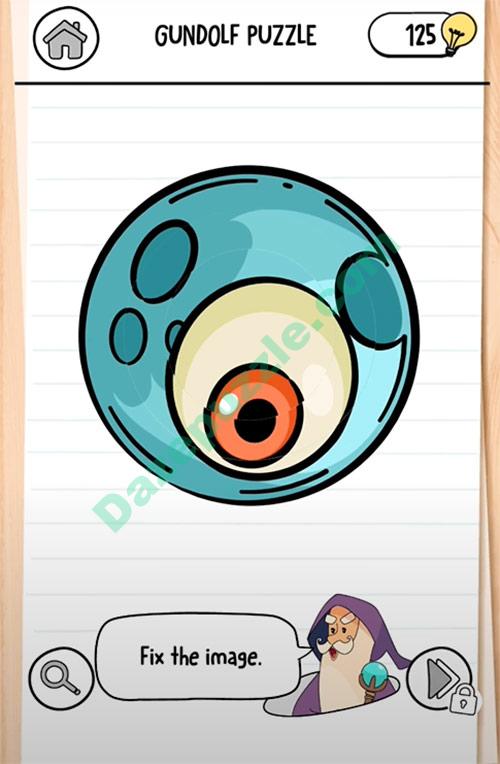
Follow the screen sequence
Use the images as a compact replay of the solving path. The text below each frame explains what should change.
Video walkthrough
Same number in other versions
Brain Test versions can reuse the same level number with a different puzzle. If the screenshot or question does not match your game, switch to the same number in another version or use the nearby level links.
Strategy guide
- 1.Rotate each concentric circle layer independently using the handles to align shapes into the target image;
- 2.Start with the outermost layer and work inward, checking alignment after each rotation;
- 3.Ignore color differences and focus on matching the silhouette and internal shape patterns.
Common mistakes
- 1.Trying to drag the entire image instead of rotating individual circle layers;
- 2.Focusing on matching colors rather than aligning the shapes to form the target picture;
- 3.Overlooking the small rotation handles on each circular layer and tapping randomly.
Related levels
I must rescue that poor cat
I must rescue that poor cat
You were right Alyx This hideout belongs to Eddie
You were right Alyx This hideout belongs to Eddie
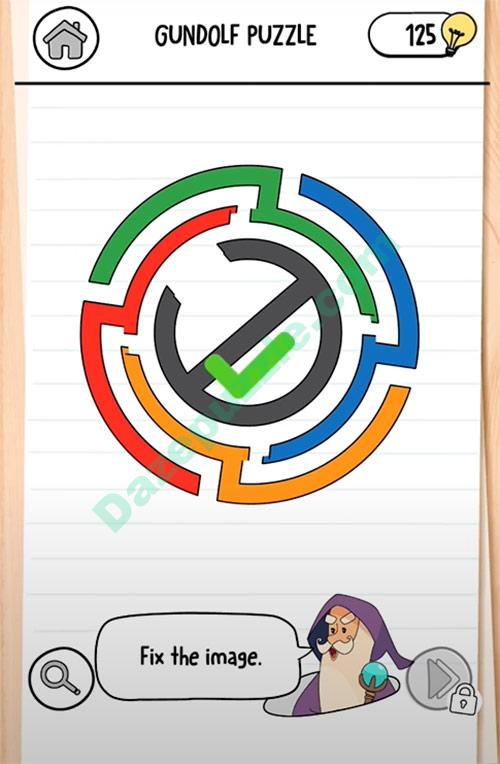
(Gundolf Puzzle) Fix the image
(Gundolf Puzzle) Fix the image
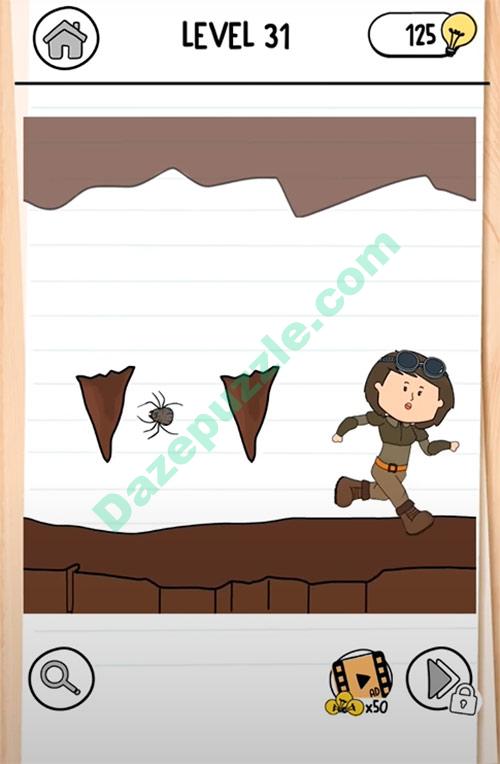
I must pass through this cave
I must pass through this cave
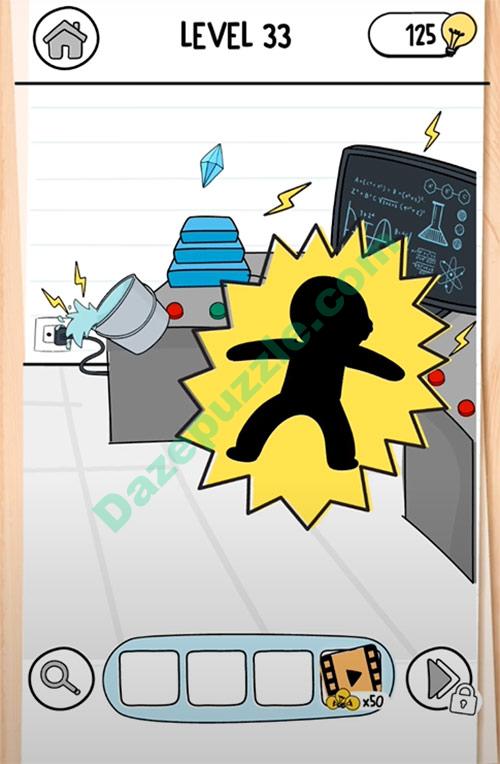
Phew That was a crazy cave
Phew That was a crazy cave
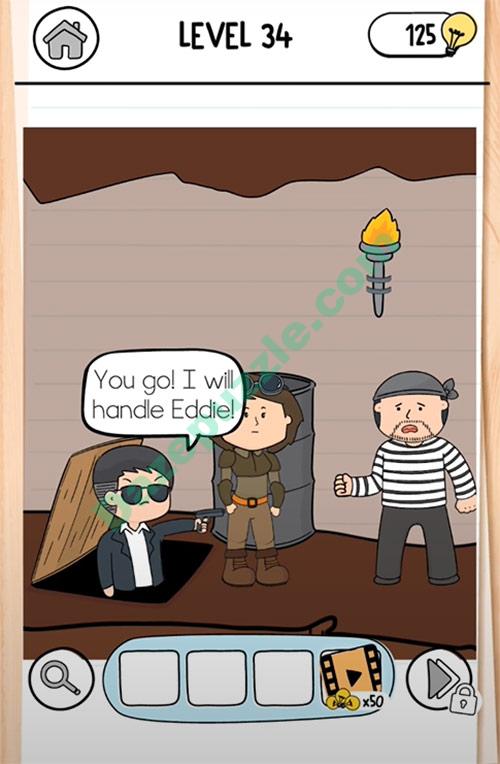
That Gem is mine
That Gem is mine
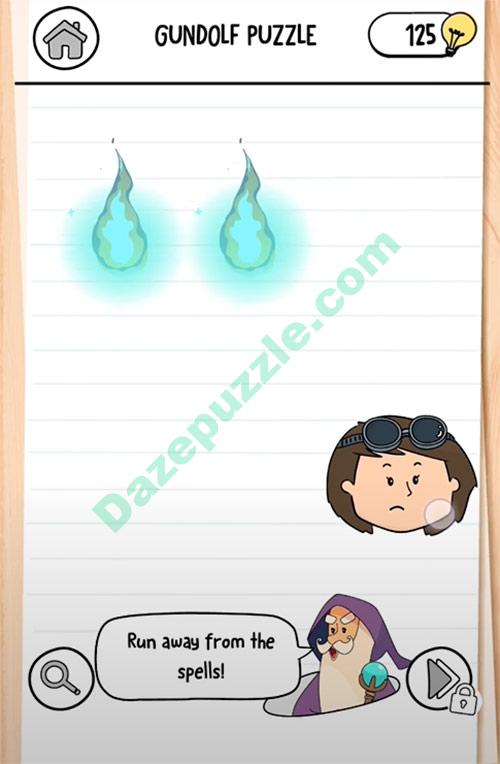
(Gundolf Puzzle) Run away from the spells
(Gundolf Puzzle) Run away from the spells
That Gem belongs to my boss
That Gem belongs to my boss