Brain Test 1 Level 220
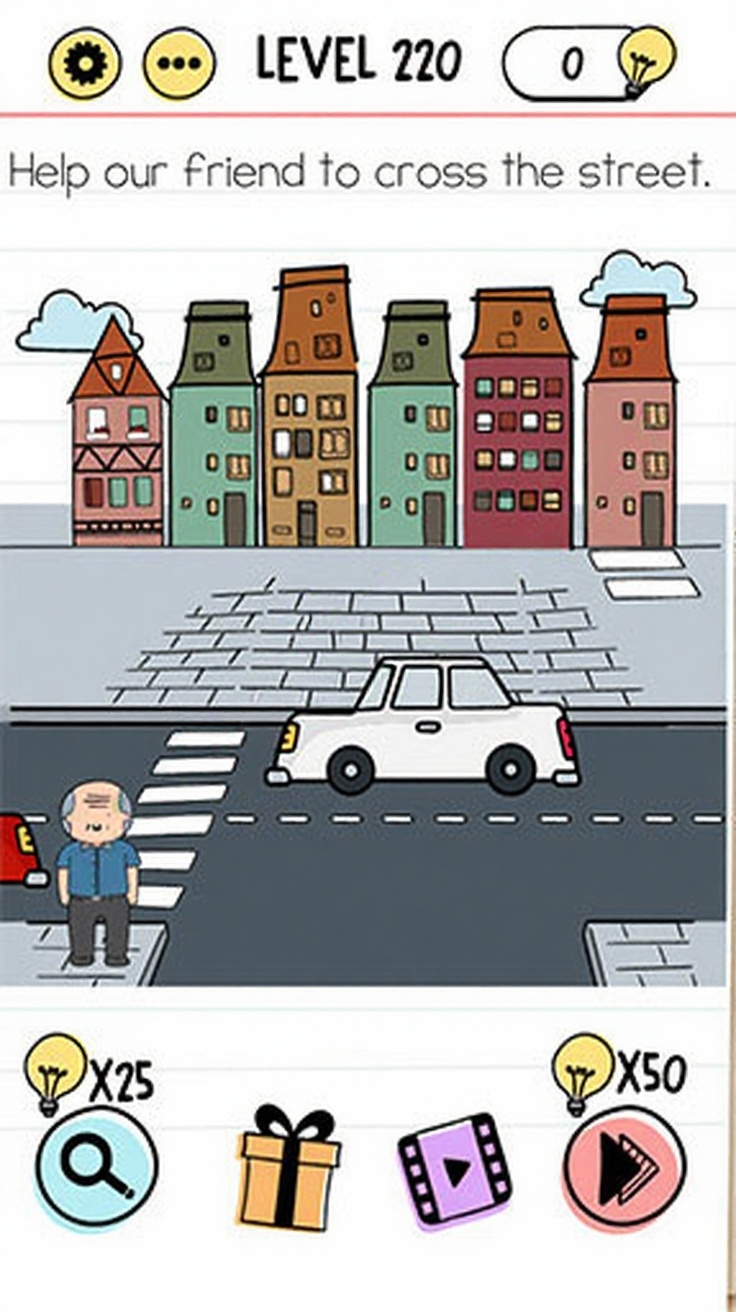
Help our friend to cross the street
There are white lines on the left side of the screen, you should put it on the road so you can create a crosswalk and the cars will stop.
Follow the screen sequence
Use the images as a compact replay of the solving path. The text below each frame explains what should change.
Video walkthrough
Same number in other versions
Brain Test versions can reuse the same level number with a different puzzle. If the screenshot or question does not match your game, switch to the same number in another version or use the nearby level links.
Strategy guide
- 1.Notice the white lines on the left side of the screen - these are the key to solving this level;
- 2.Drag the white lines onto the road to create a crosswalk pattern that will make cars stop;
- 3.Once the crosswalk is created, simply tap the character to walk safely across the street.
Common mistakes
- 1.Trying to drag the character directly across the road without using any objects;
- 2.Attempting to stop the cars by tapping on them or placing other objects in their path;
- 3.Looking for a traffic light or stop sign button instead of noticing the white lines on the side.
Related levels
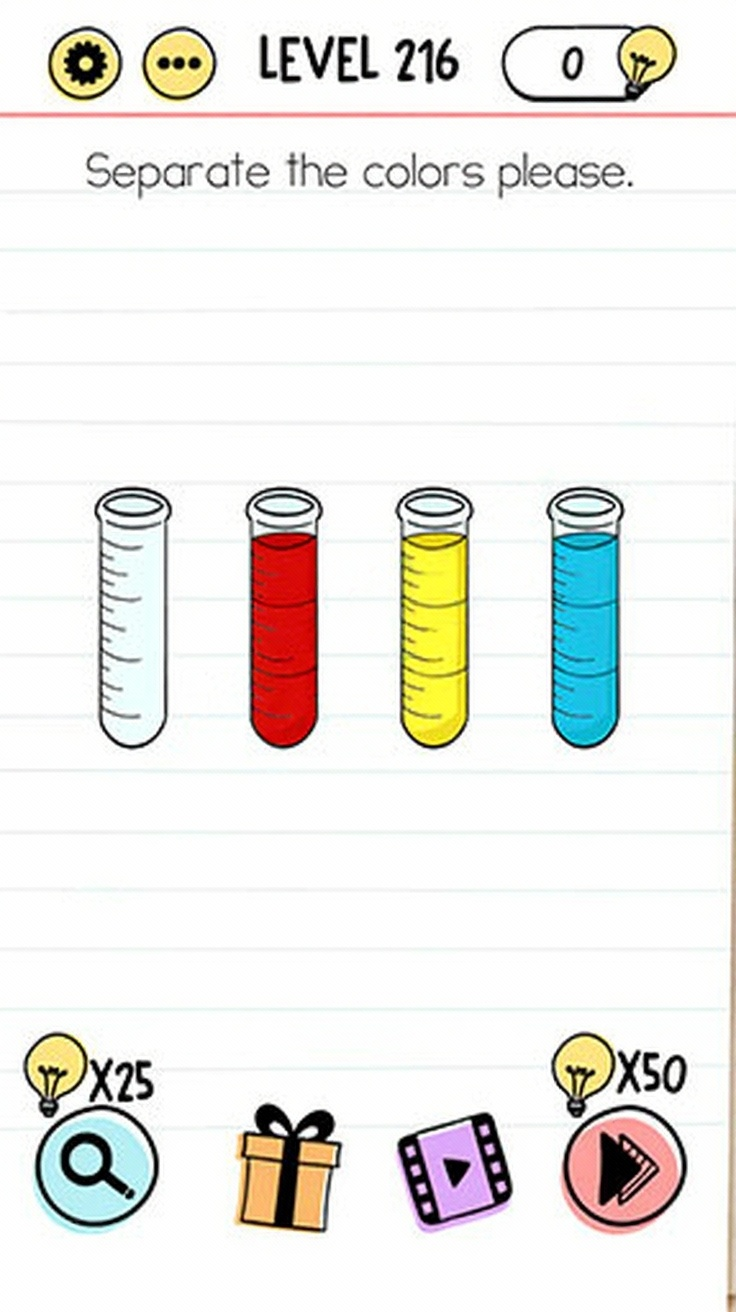
Separate the colors please
Separate the colors please
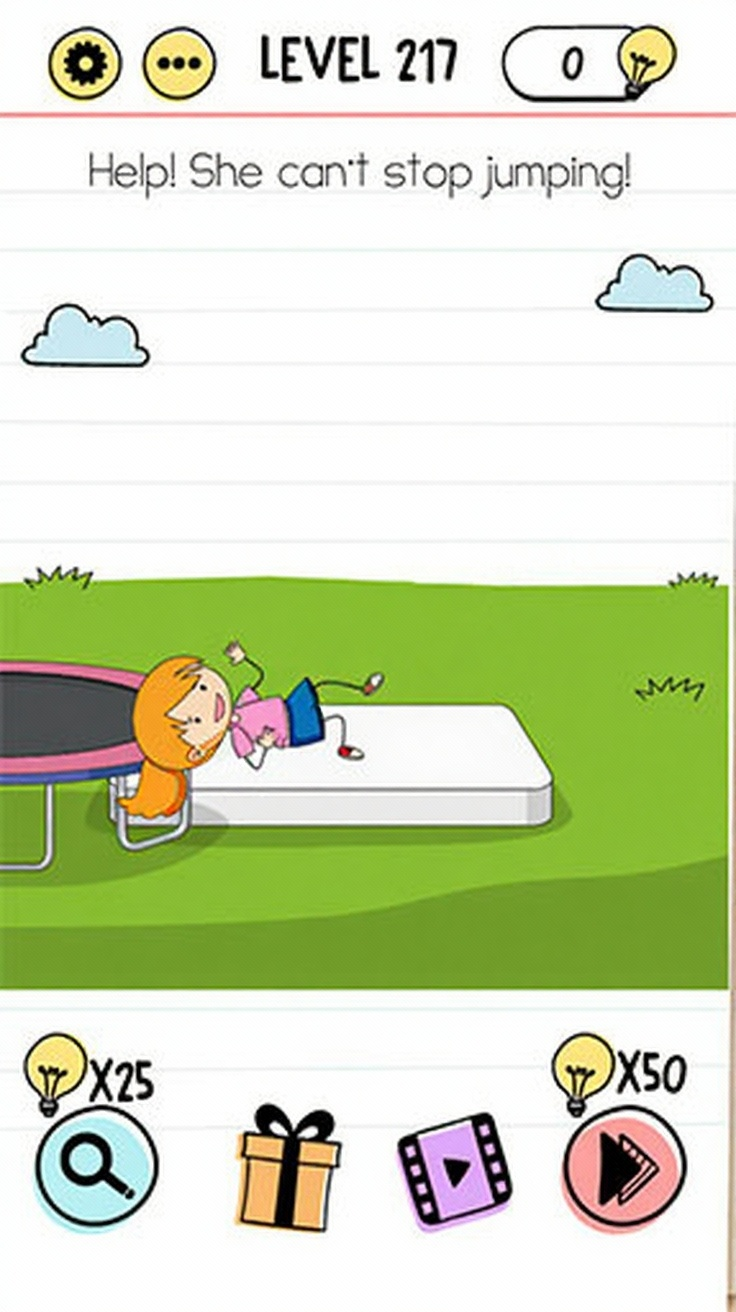
Help! She can’t stop jumping
Help! She can’t stop jumping
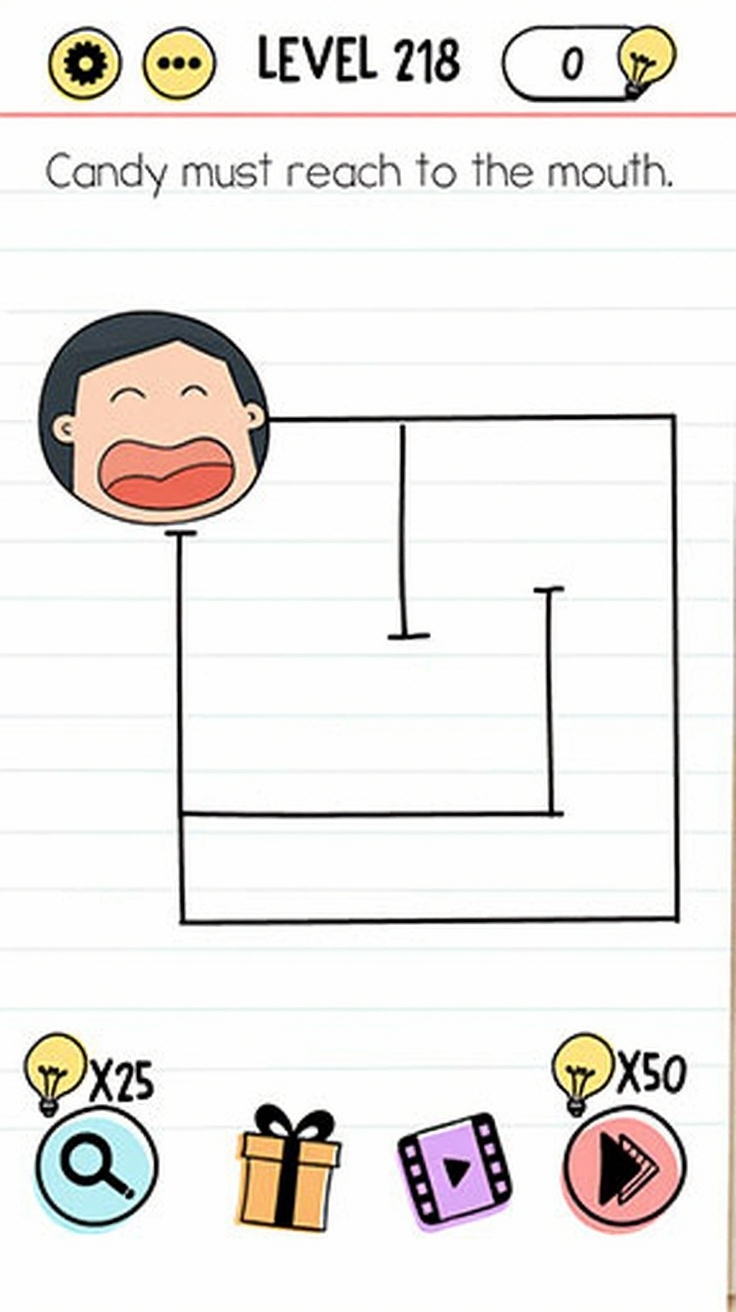
Candy must reach to the mouth
Candy must reach to the mouth
Tom wants to jump again, but we ran out of mushrooms
Tom wants to jump again, but we ran out of mushrooms
I need an omelette, please
I need an omelette, please
She lost her balloon
She lost her balloon

How many dogs are there
How many dogs are there
We must get rid of these microbes
We must get rid of these microbes