Brain Test 1 Level 164
Just had a son! Pick a name for him
Drag “son” from text and put it after “JA”, You’ll make a name for him “JASON”.
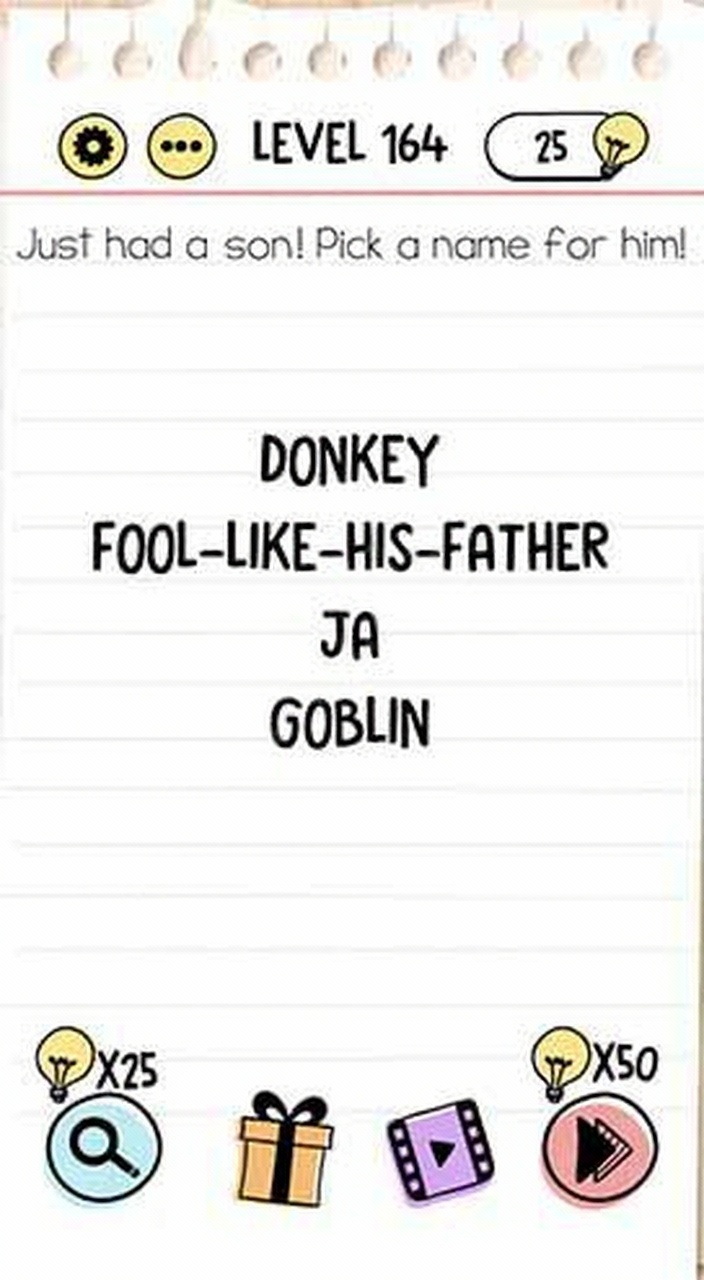
Follow the screen sequence
Use the images as a compact replay of the solving path. The text below each frame explains what should change.
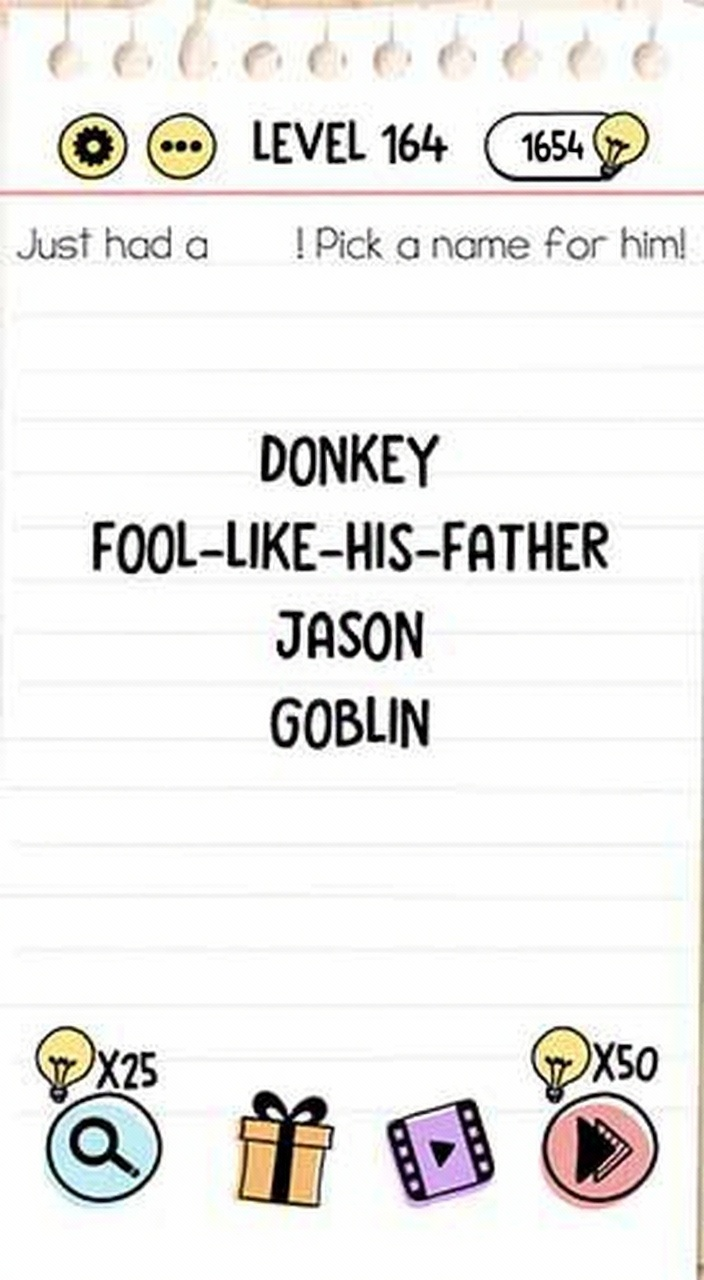
Video walkthrough
Same number in other versions
Brain Test versions can reuse the same level number with a different puzzle. If the screenshot or question does not match your game, switch to the same number in another version or use the nearby level links.
Strategy guide
- 1.Notice 'son' in the question text is draggable - drag it to combine with 'JA' on screen;
- 2.Read the question carefully: 'Pick a name' hints at creating 'JASON' from existing elements;
- 3.Don't overthink - the solution uses only what's visible: 'JA' + 'son' from the text.
Common mistakes
- 1.Typing random names like 'John' or 'David' instead of interacting with the text;
- 2.Trying to tap or select letters from 'Just had a son!' to form a name;
- 3.Looking for a keyboard or name list that doesn't exist, missing the draggable 'son'.
Related levels
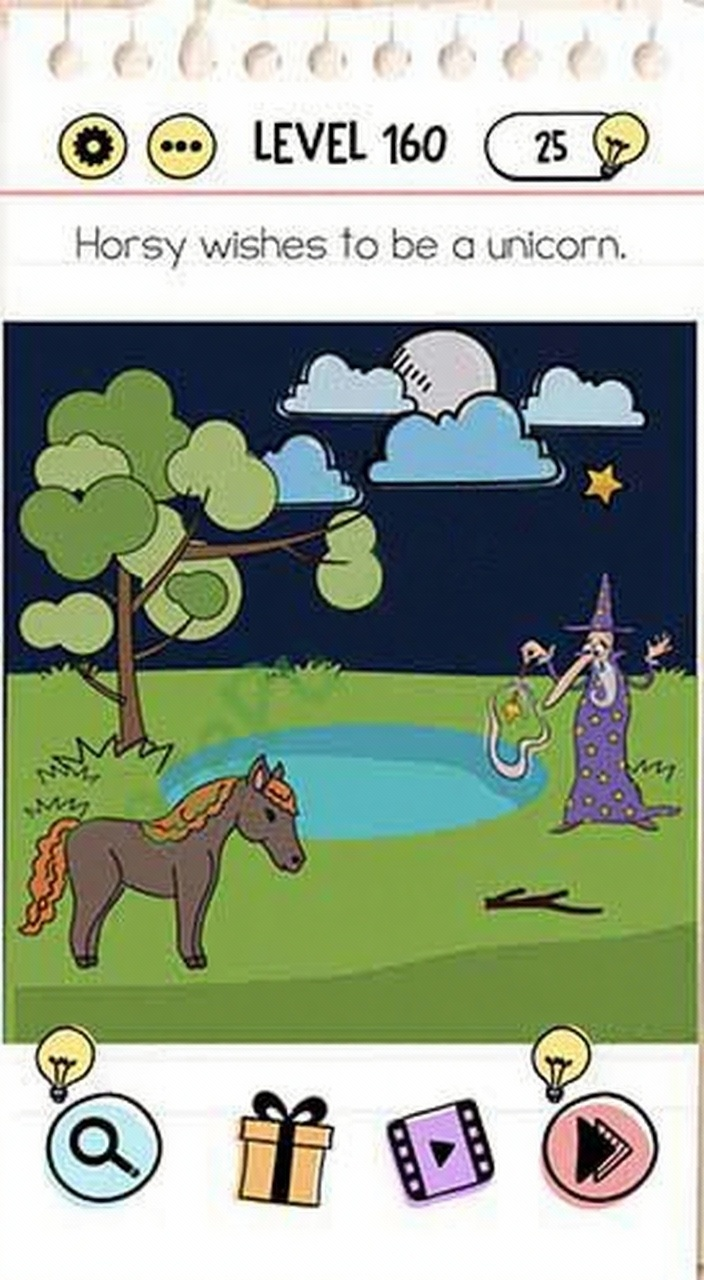
Horsy wishes to be a unicorn
Horsy wishes to be a unicorn
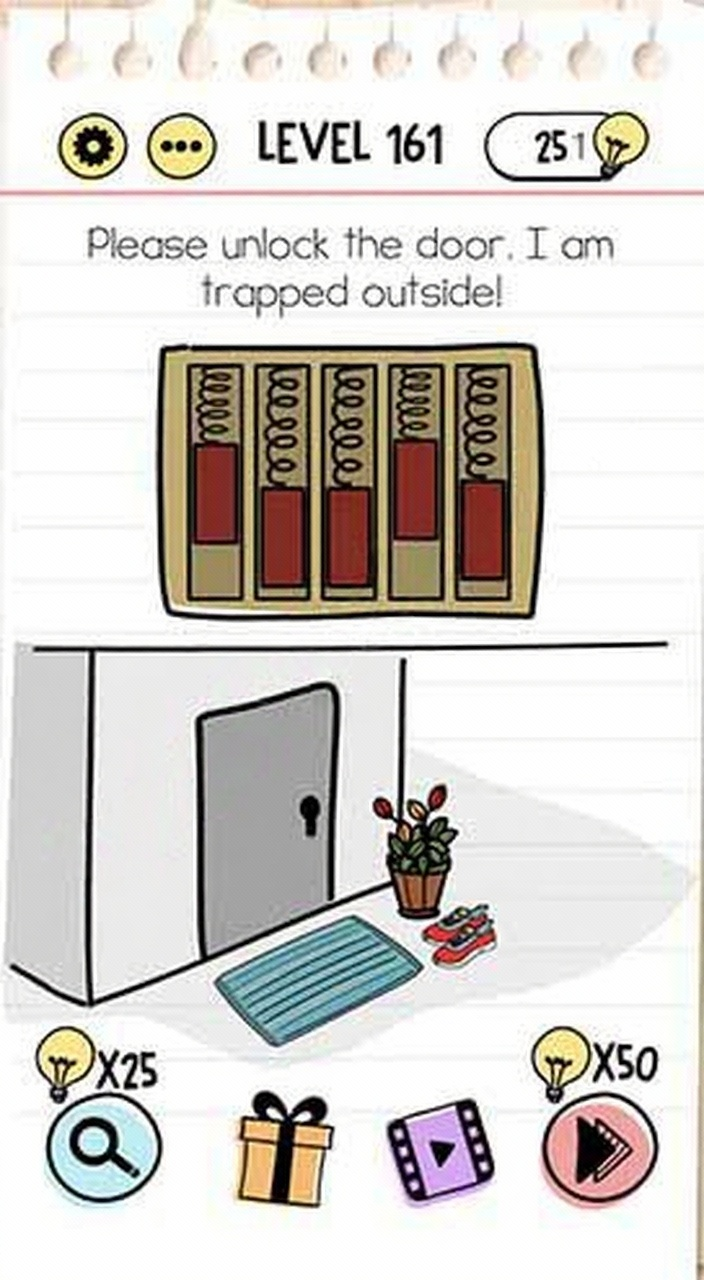
Please unlock the door
Please unlock the door
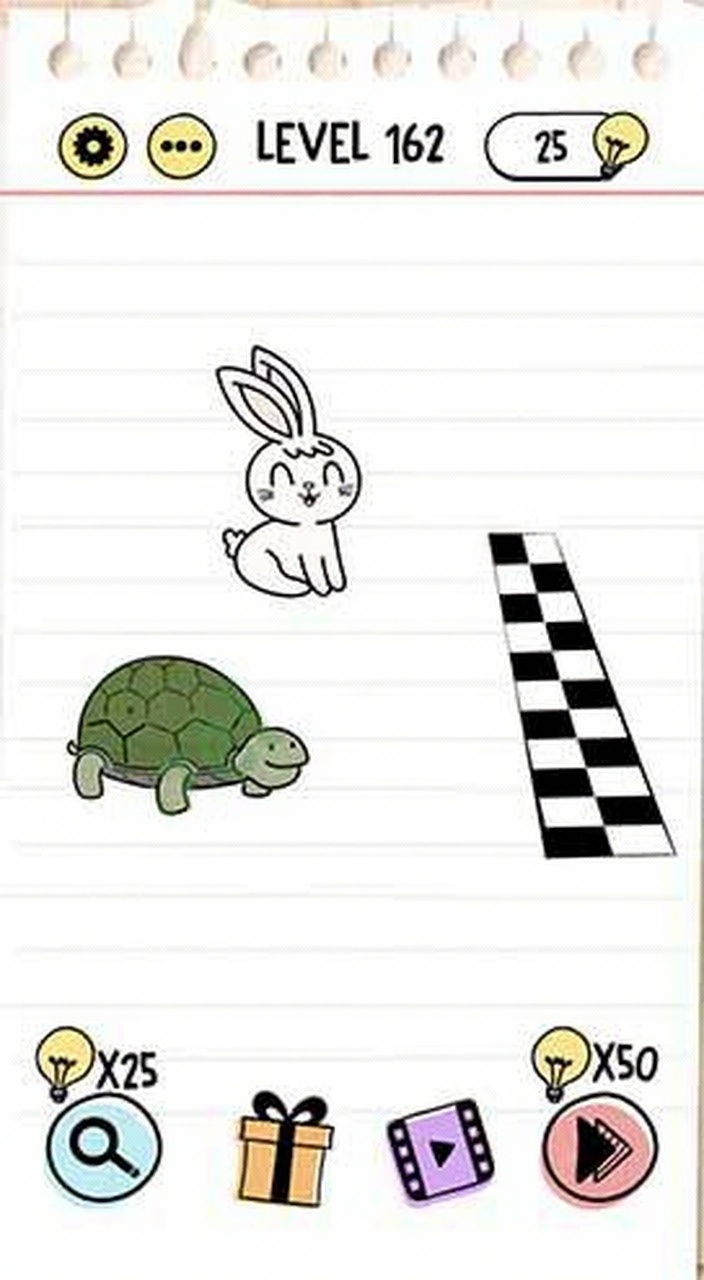
Tortoise must win
Tortoise must win
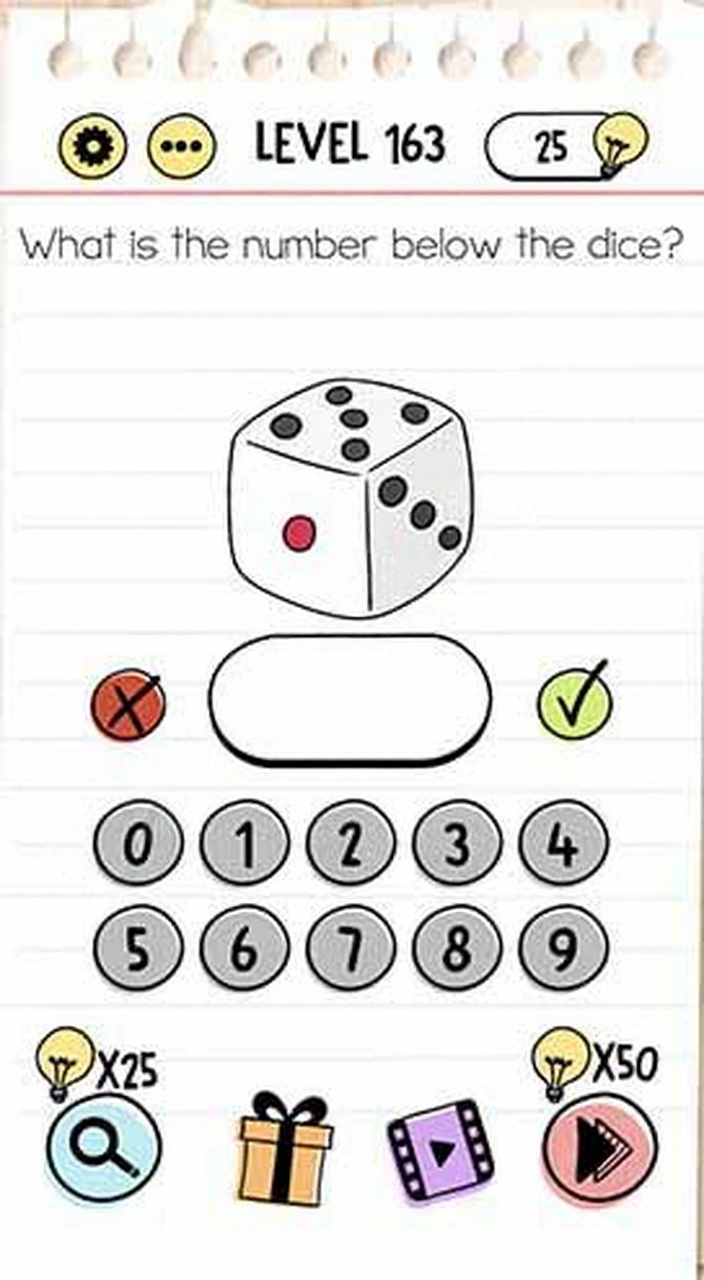
What is the number below the dice
What is the number below the dice
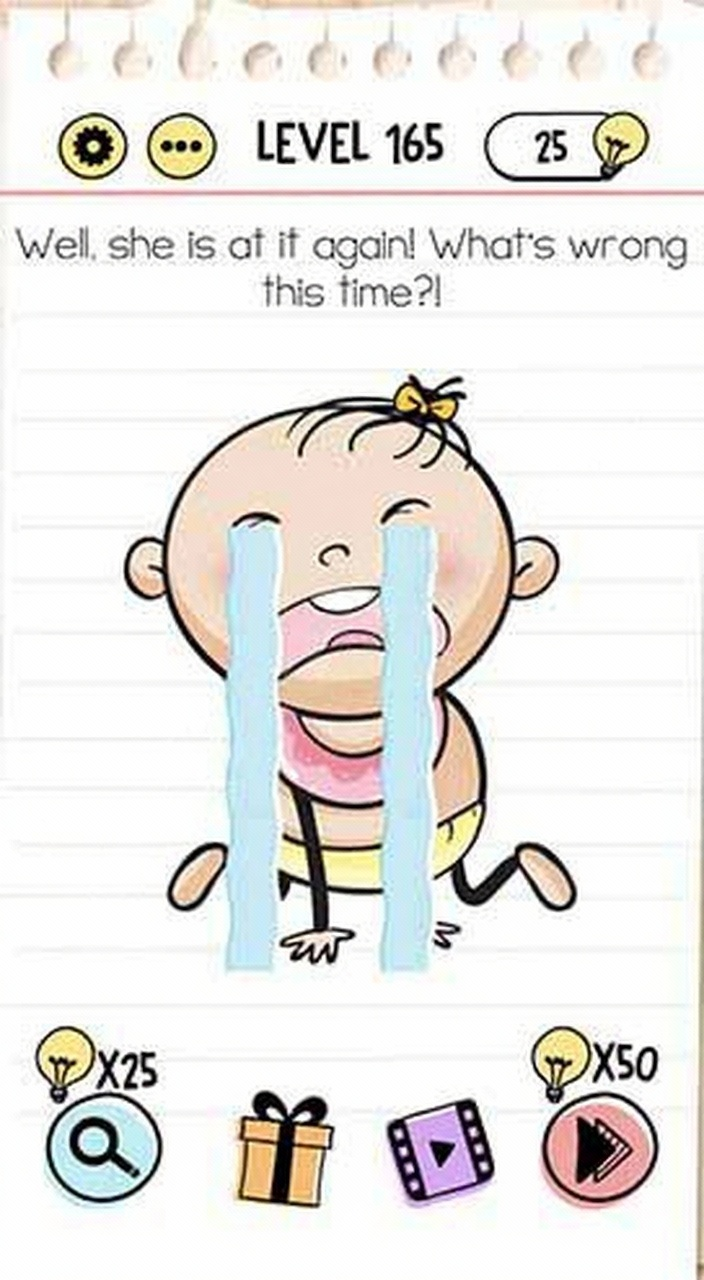
Well, she is at it again!
Well, she is at it again!
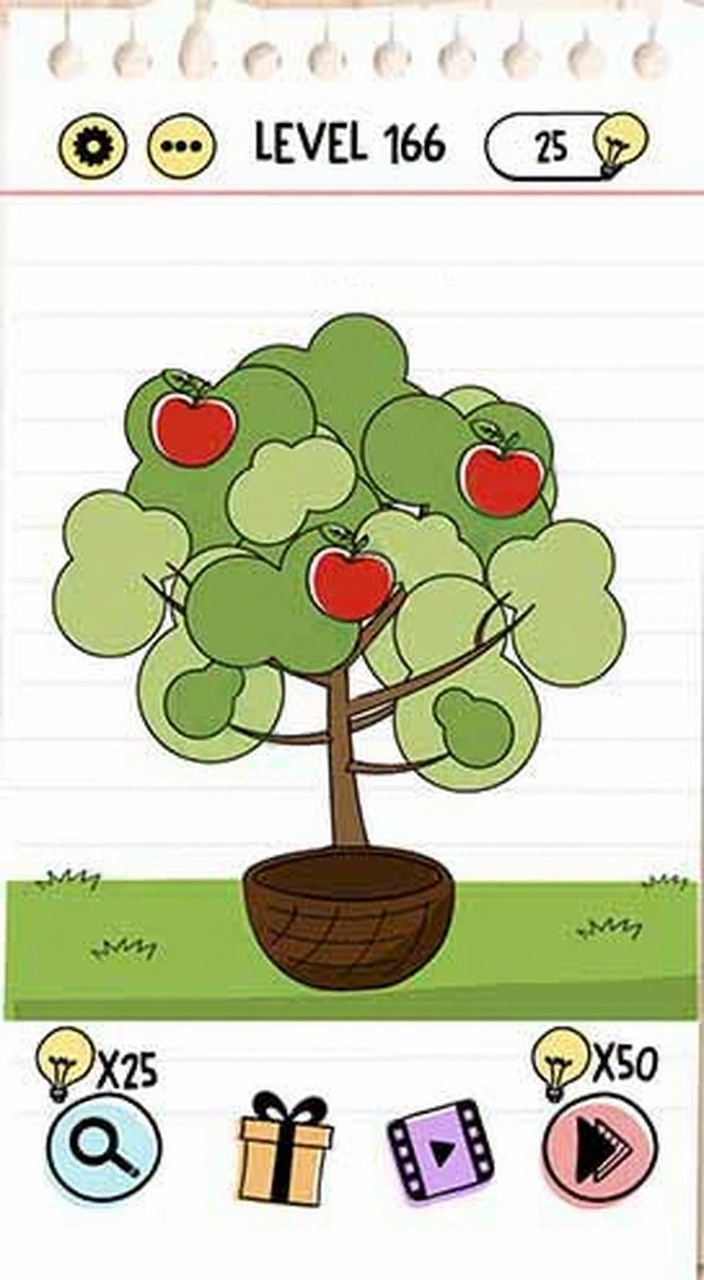
Collect 3 apples please
Collect 3 apples please
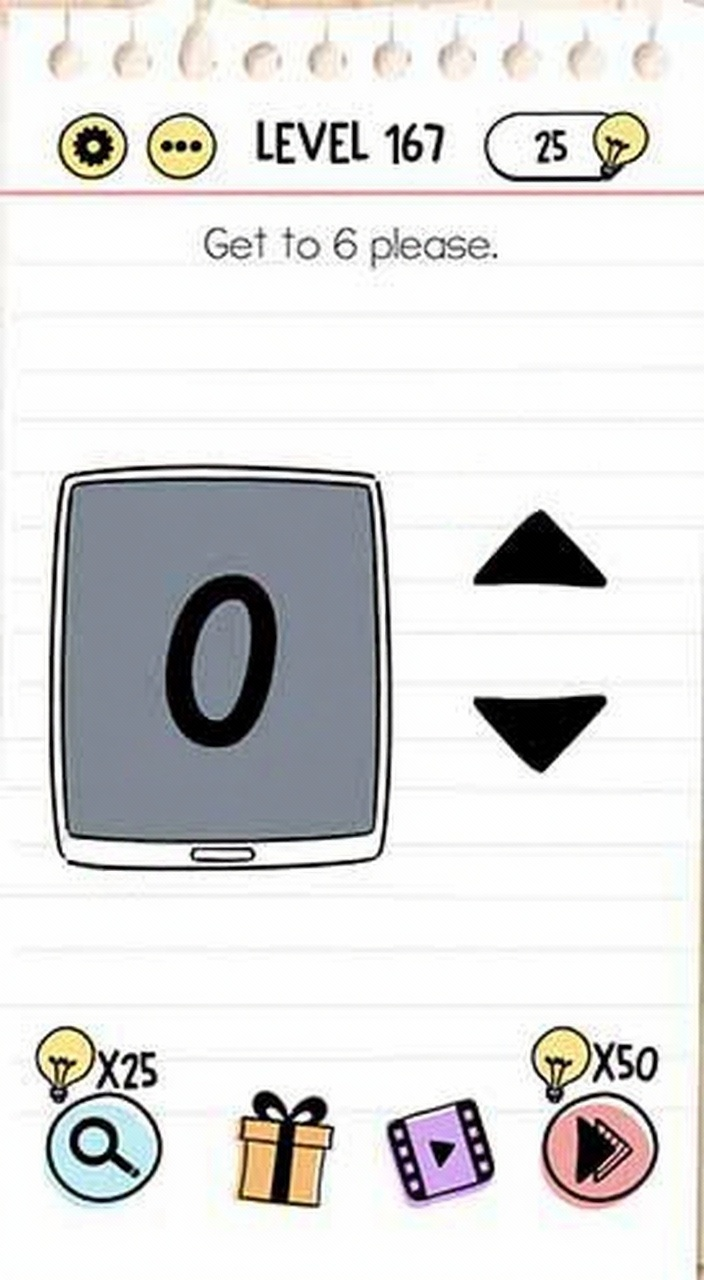
Get to 6 please
Get to 6 please
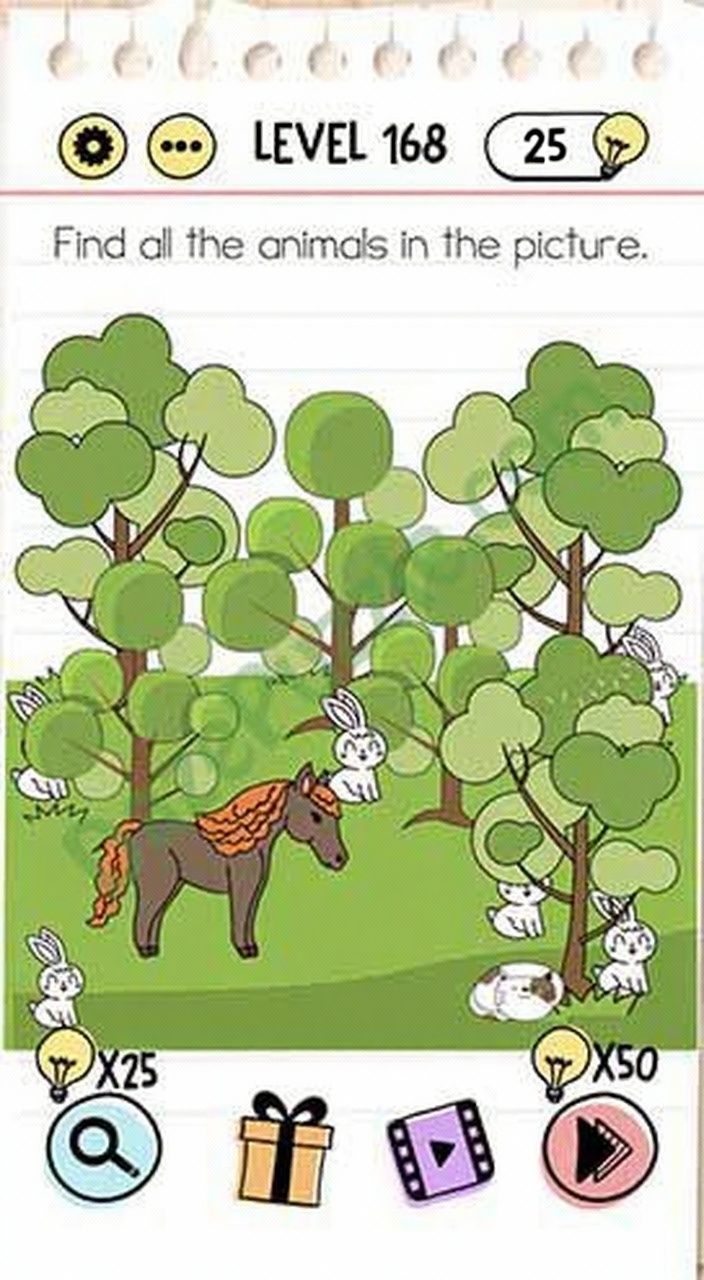
Find all the animals in the picture
Find all the animals in the picture