Brain Test 1 Level 113
I can’t start the video
Move the play button in the lower screen into the laptop to play the video.
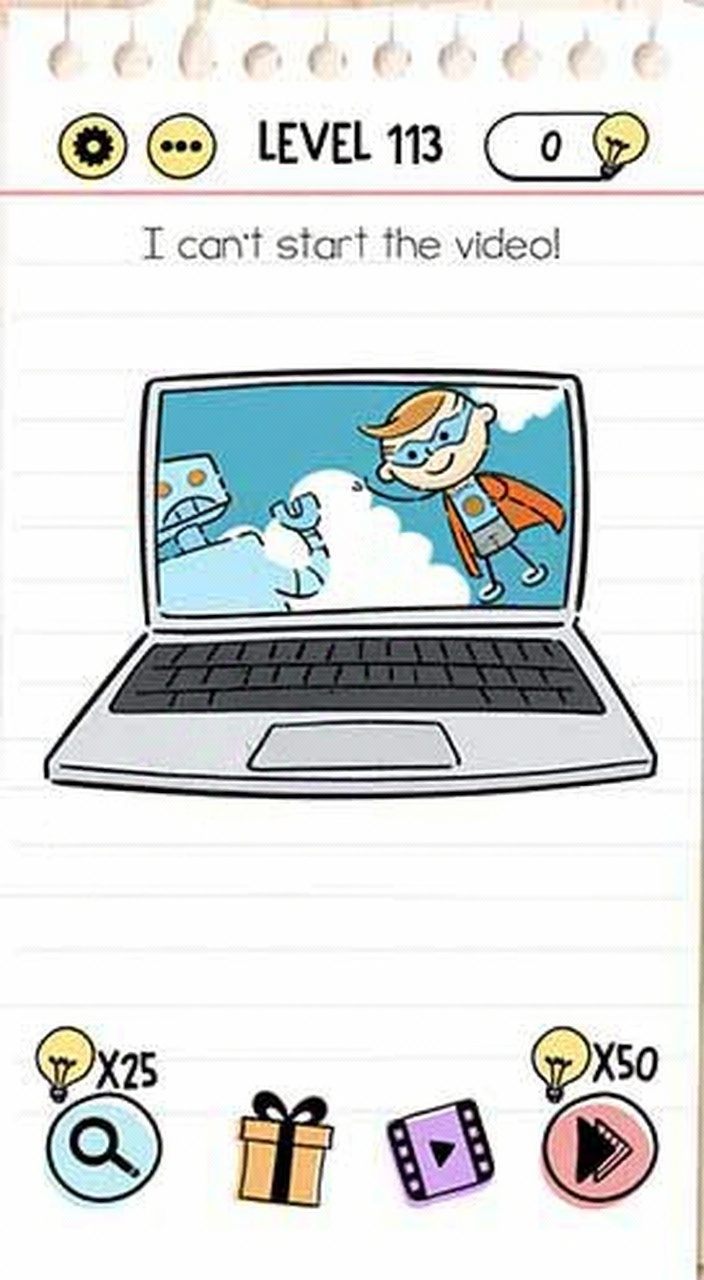
Follow the screen sequence
Use the images as a compact replay of the solving path. The text below each frame explains what should change.
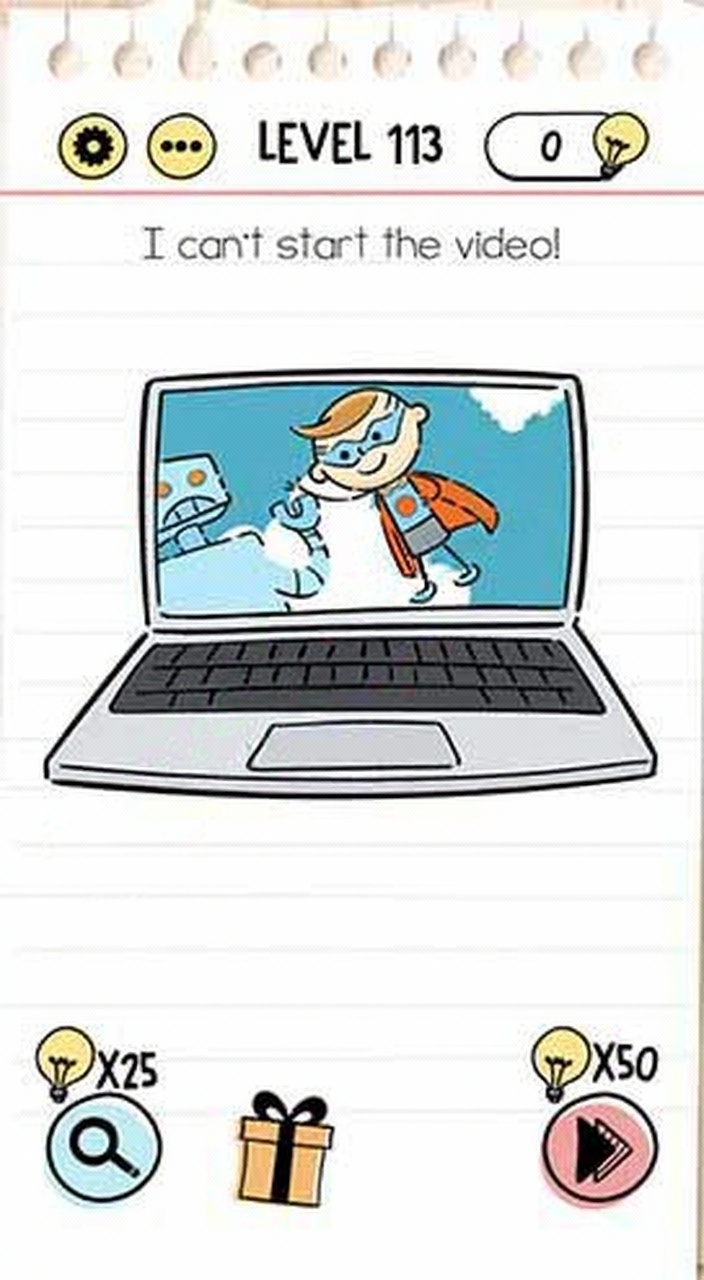
Video walkthrough
Same number in other versions
Brain Test versions can reuse the same level number with a different puzzle. If the screenshot or question does not match your game, switch to the same number in another version or use the nearby level links.
Strategy guide
- 1.Drag the visible play button from the lower screen onto the laptop screen;
- 2.Focus on moving interface elements rather than interacting with video content;
- 3.Treat the laptop as a container where the play button needs to be placed.
Common mistakes
- 1.Tapping the laptop screen repeatedly without dragging the play button;
- 2.Trying to swipe the video itself instead of moving the button;
- 3.Looking for hidden buttons in the video content rather than the interface.
Related levels
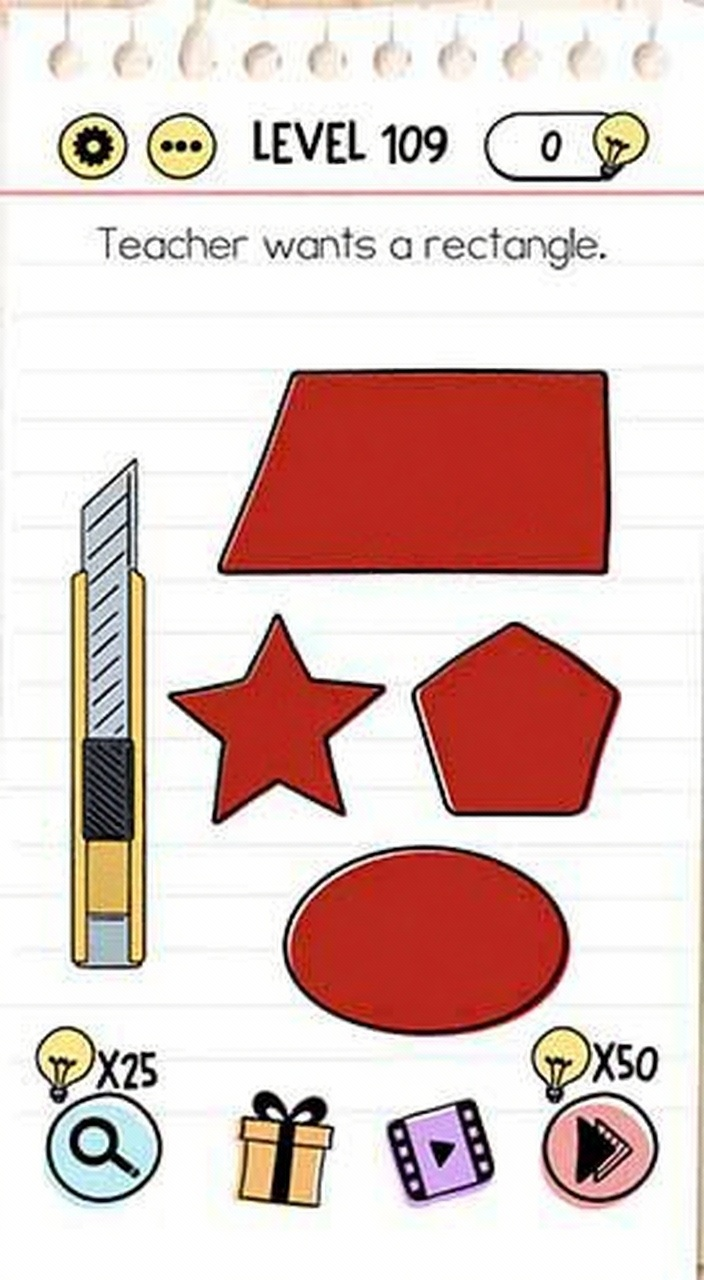
Teacher wants a rectangle
Teacher wants a rectangle

(Updated) Help him get back his wallet, please
(Updated) Help him get back his wallet, please
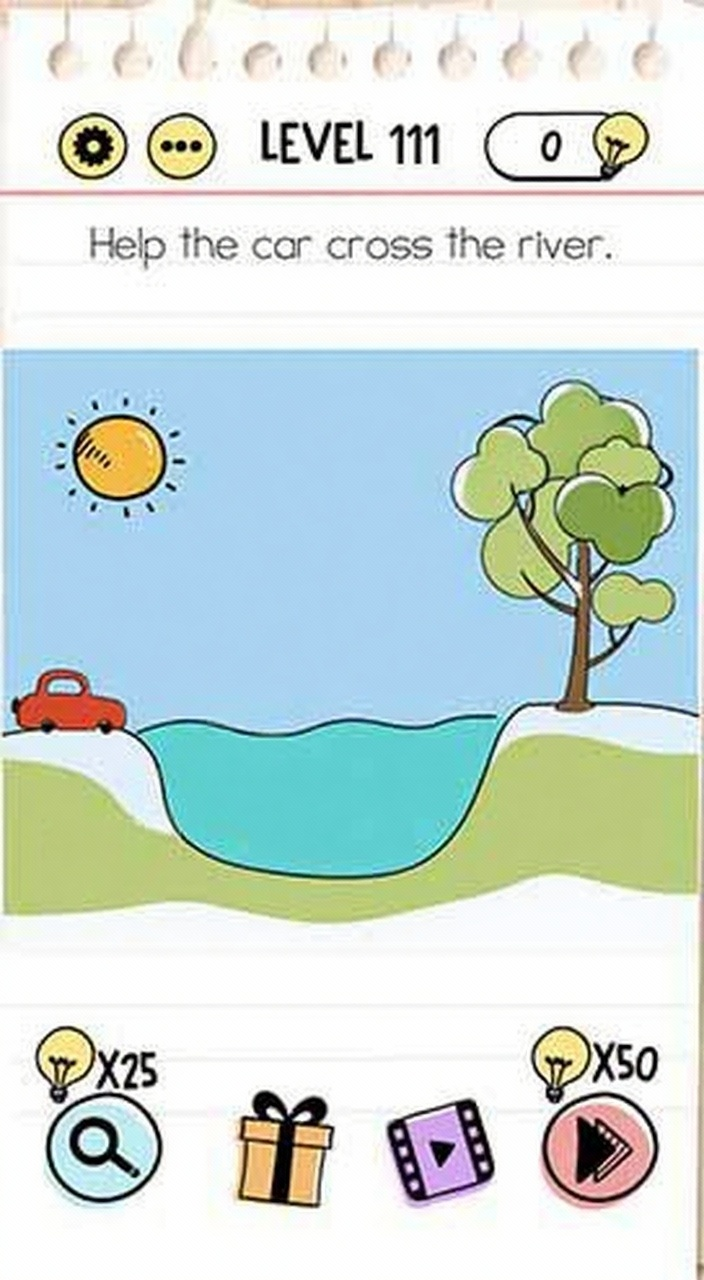
Help the car cross the river
Help the car cross the river
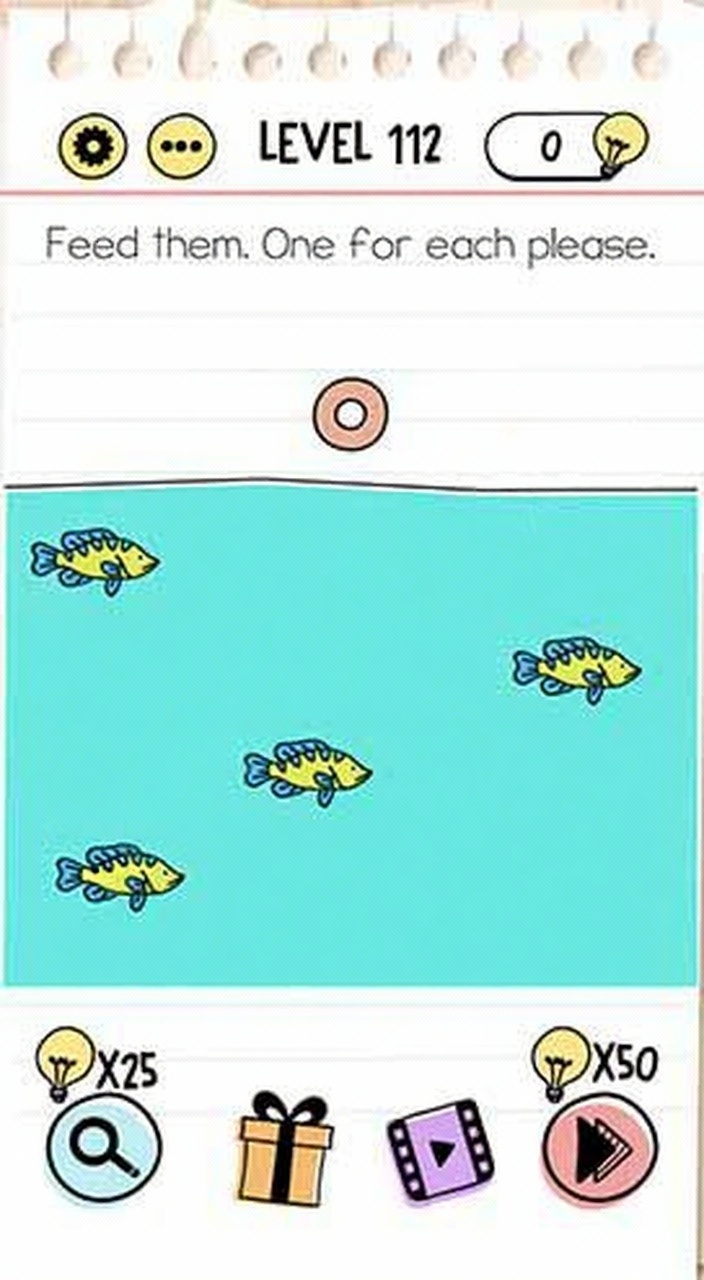
Feed them. One for each please
Feed them. One for each please

His coffee has gotten cold
His coffee has gotten cold
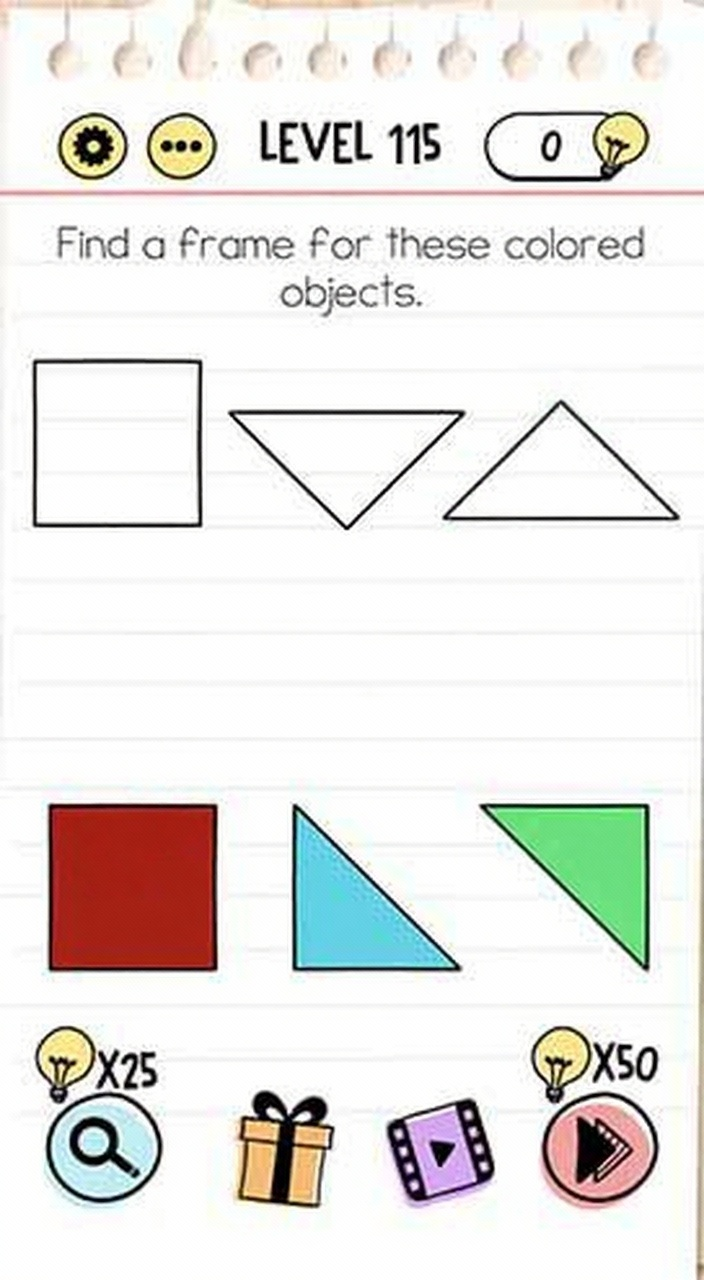
Find a frame for these colored objects
Find a frame for these colored objects
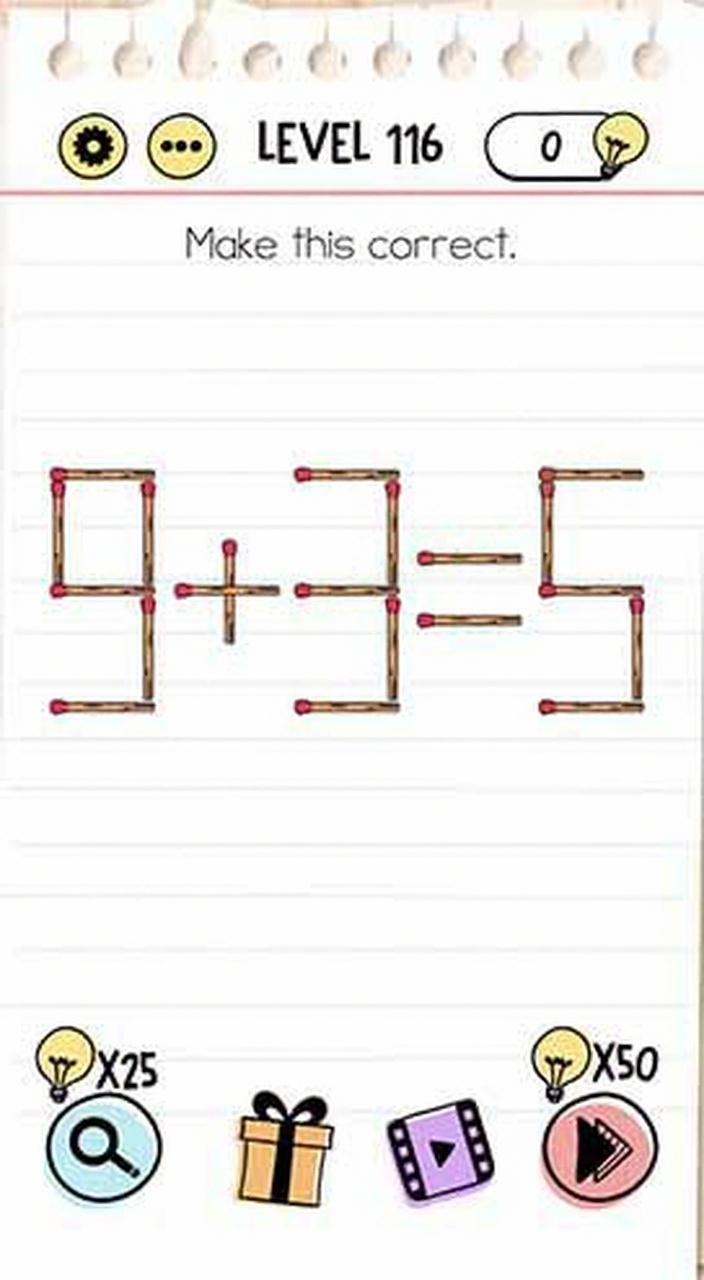
Make this correct
Make this correct
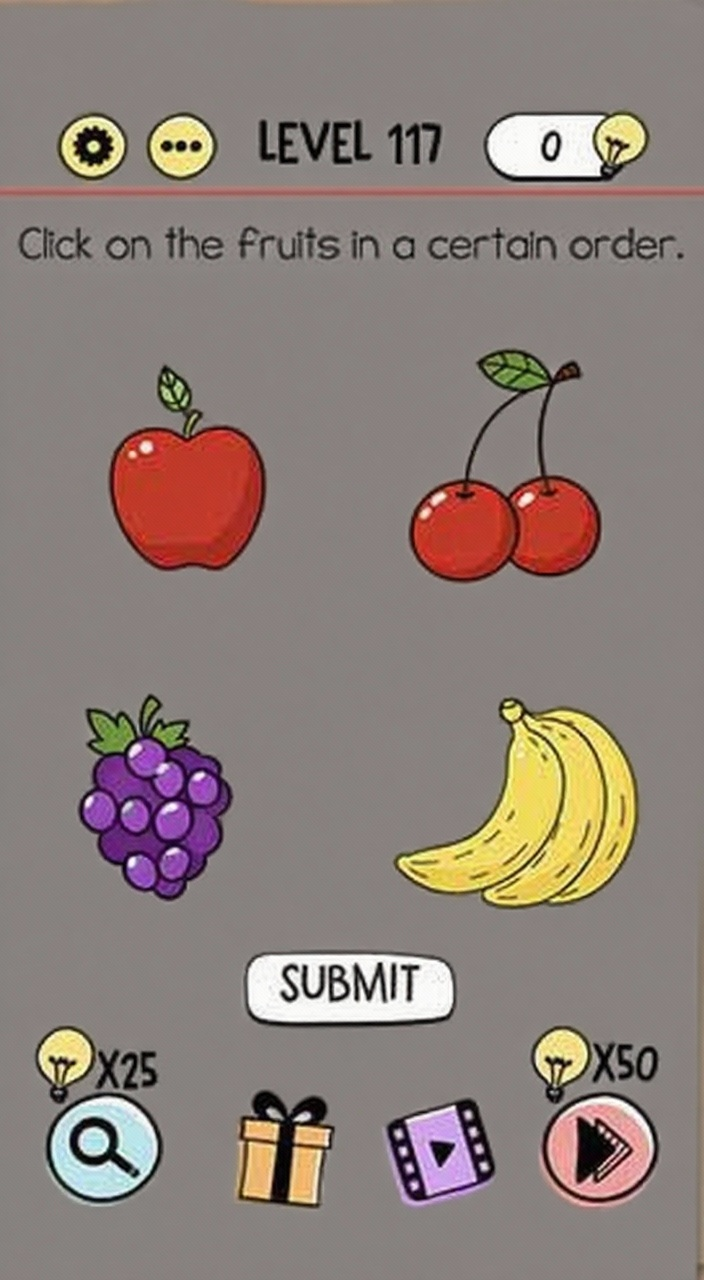
Click on the fruits in a certain order
Click on the fruits in a certain order